The + Filter button above the news feed opens a dropdown with six dimension filters. Each filter narrows the feed independently — you can combine as many as you want at the same time. When filters are active, a count badge appears on the button showing how many are applied.
Insighthread Filter Bar

Opening the Filter Panel

Click + Filter at the top of the News page to open the filter dropdown. Each row expands into a sub-menu on hover.

Available Filters

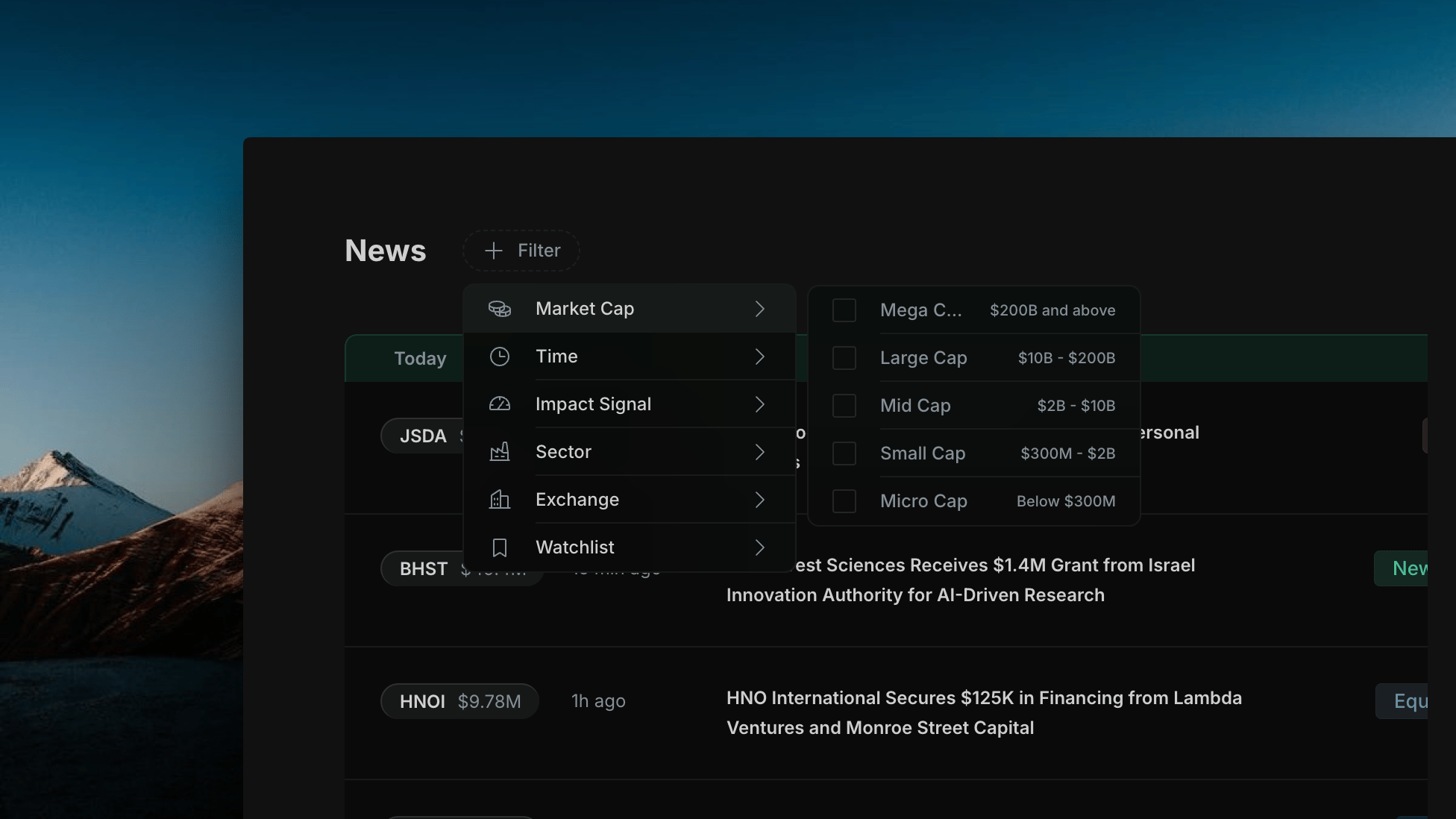
Filter news to companies within a specific market capitalization band.
Insighthread Market Cap sub-menu

Insighthread's Market Cap sub-menu — five tiers from Mega Cap ($200B+) to Micro Cap (below $300M)

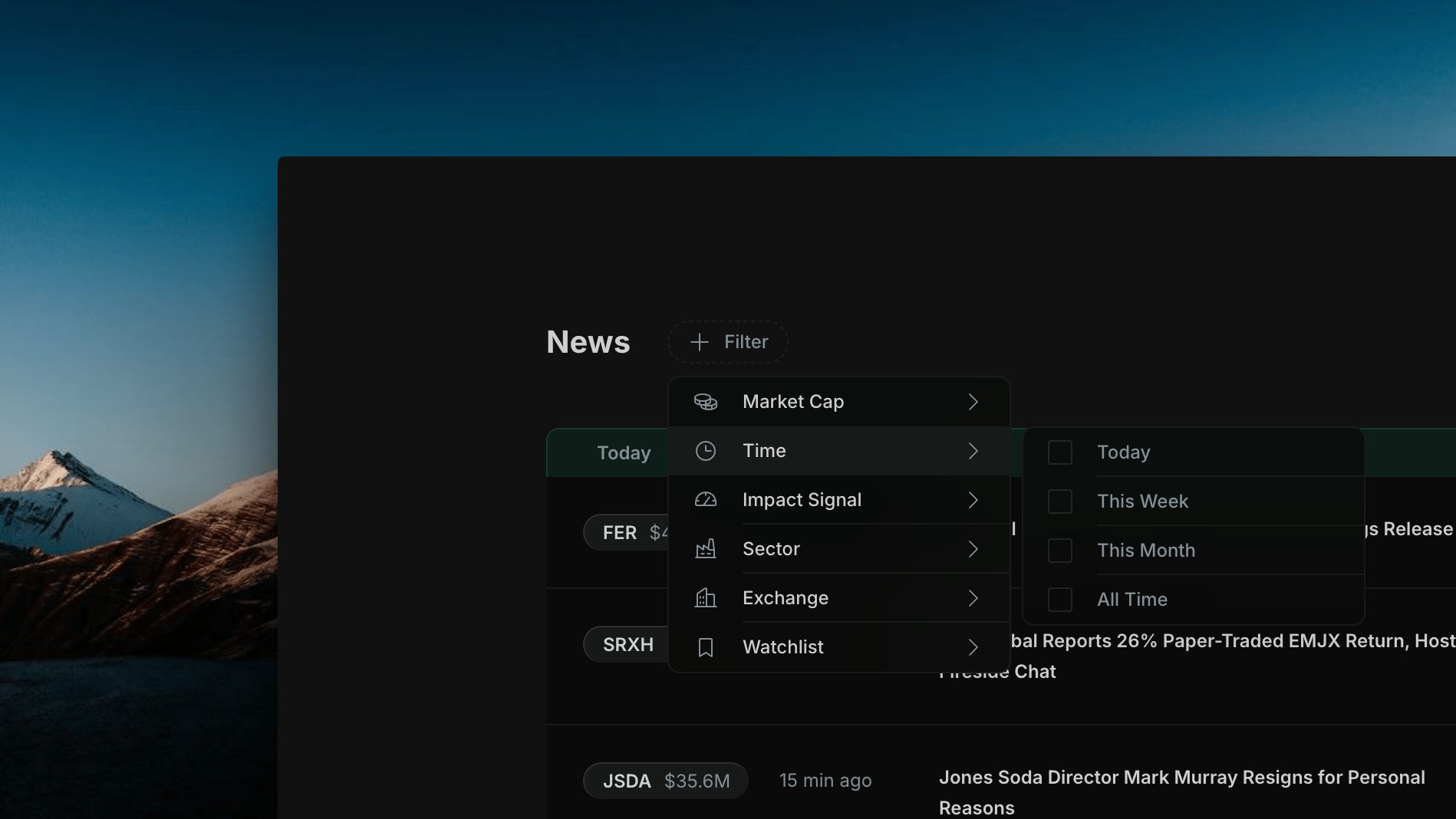
Limit news to articles published within a time window.
Insighthread Time sub-menu

Insighthread's Time sub-menu — Today, This Week, This Month, or All Time

  • Today — articles published since midnight
  • This Week — last 7 days
  • This Month — last 30 days
  • All Time — no time restriction
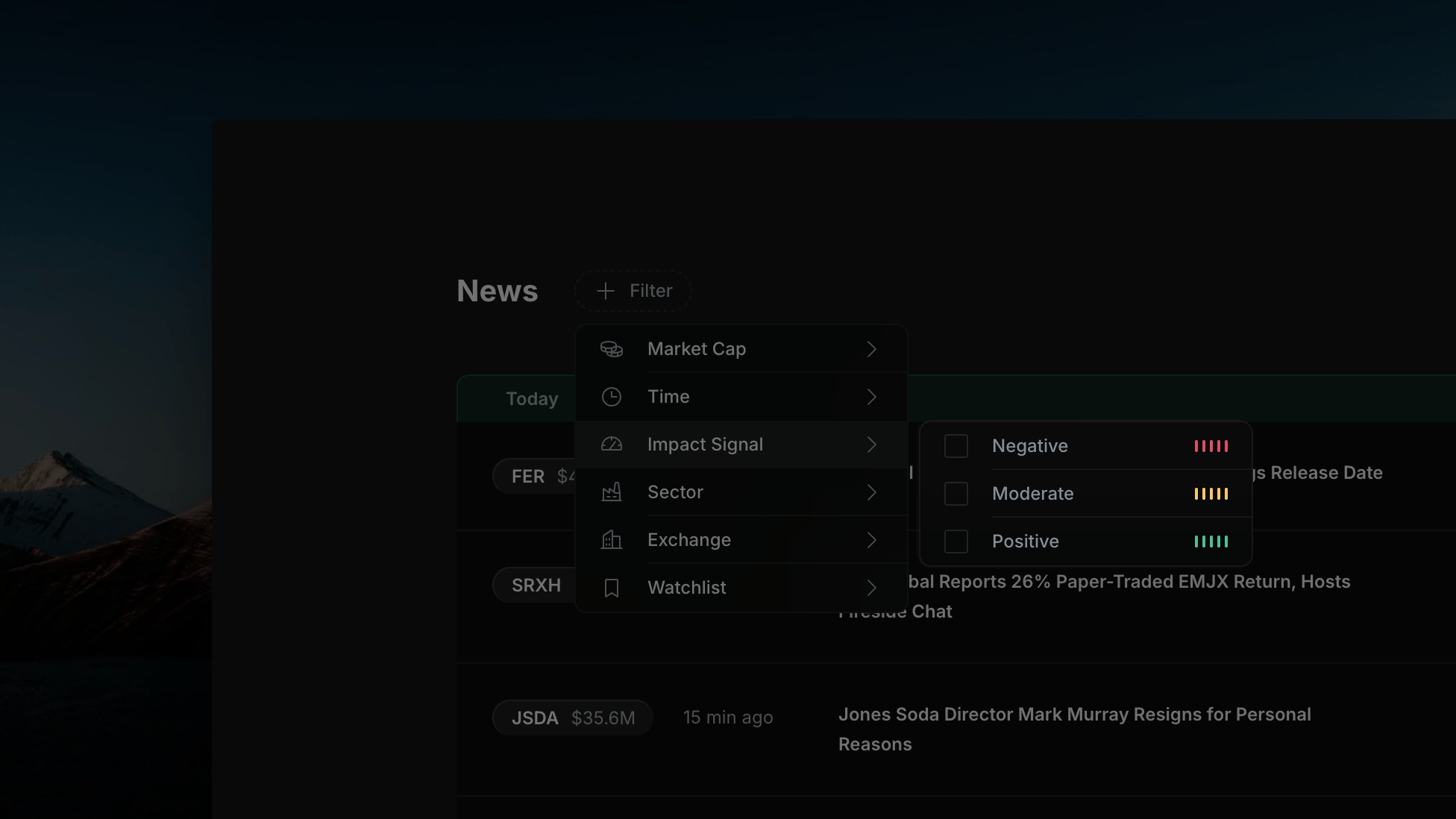
Filter by Insighthread’s AI-generated impact assessment for each article.
Insighthread Impact Signal sub-menu

Insighthread's Impact Signal sub-menu — Negative (red bars), Moderate (yellow bars), Positive (green bars)

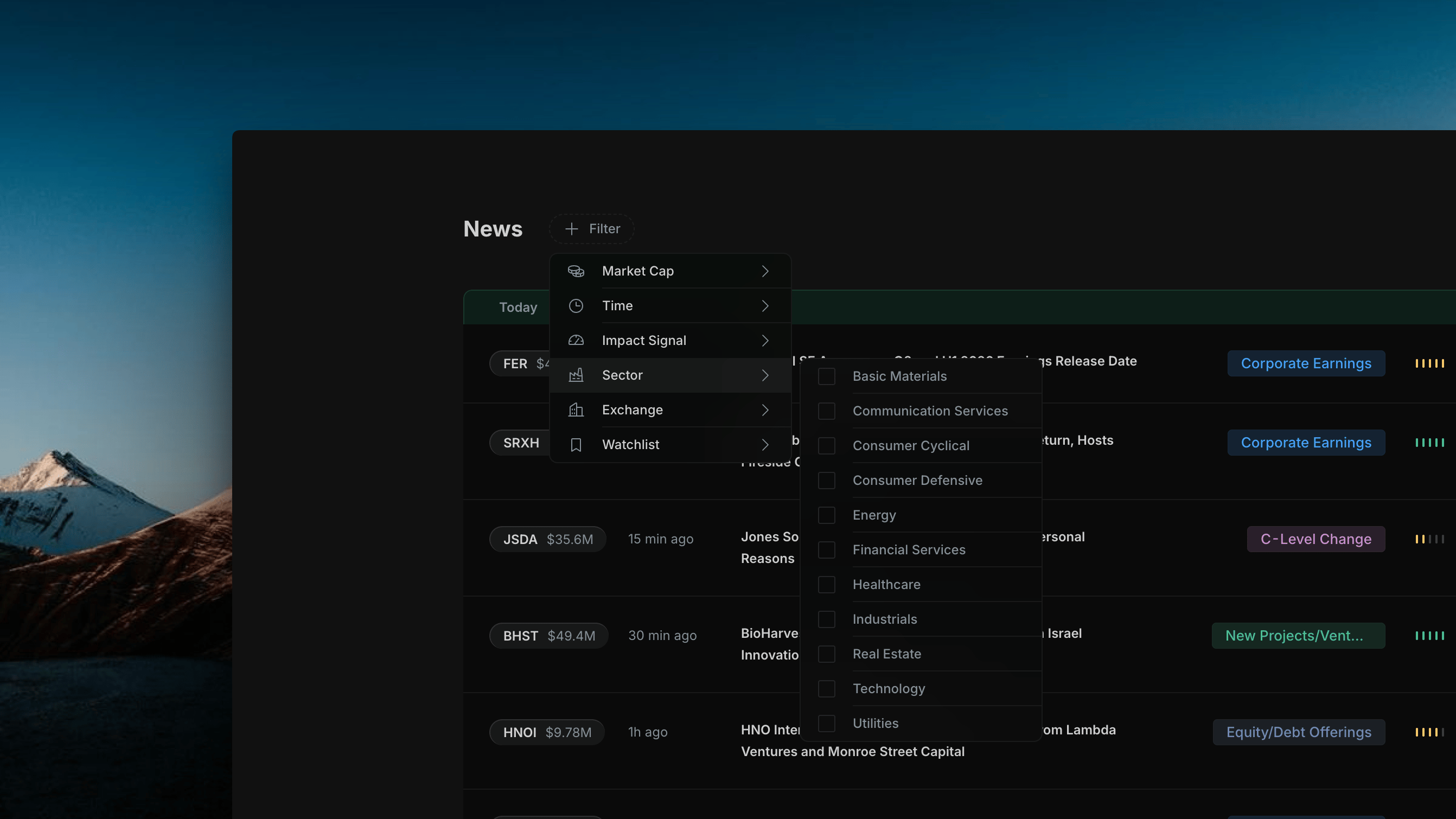
Filter news to companies in one or more GICS sectors.
Insighthread Sector sub-menu

Insighthread's Sector sub-menu — 11 GICS sectors from Basic Materials to Utilities

Basic Materials · Communication Services · Consumer Cyclical · Consumer Defensive · Energy · Financial Services · Healthcare · Industrials · Real Estate · Technology · Utilities
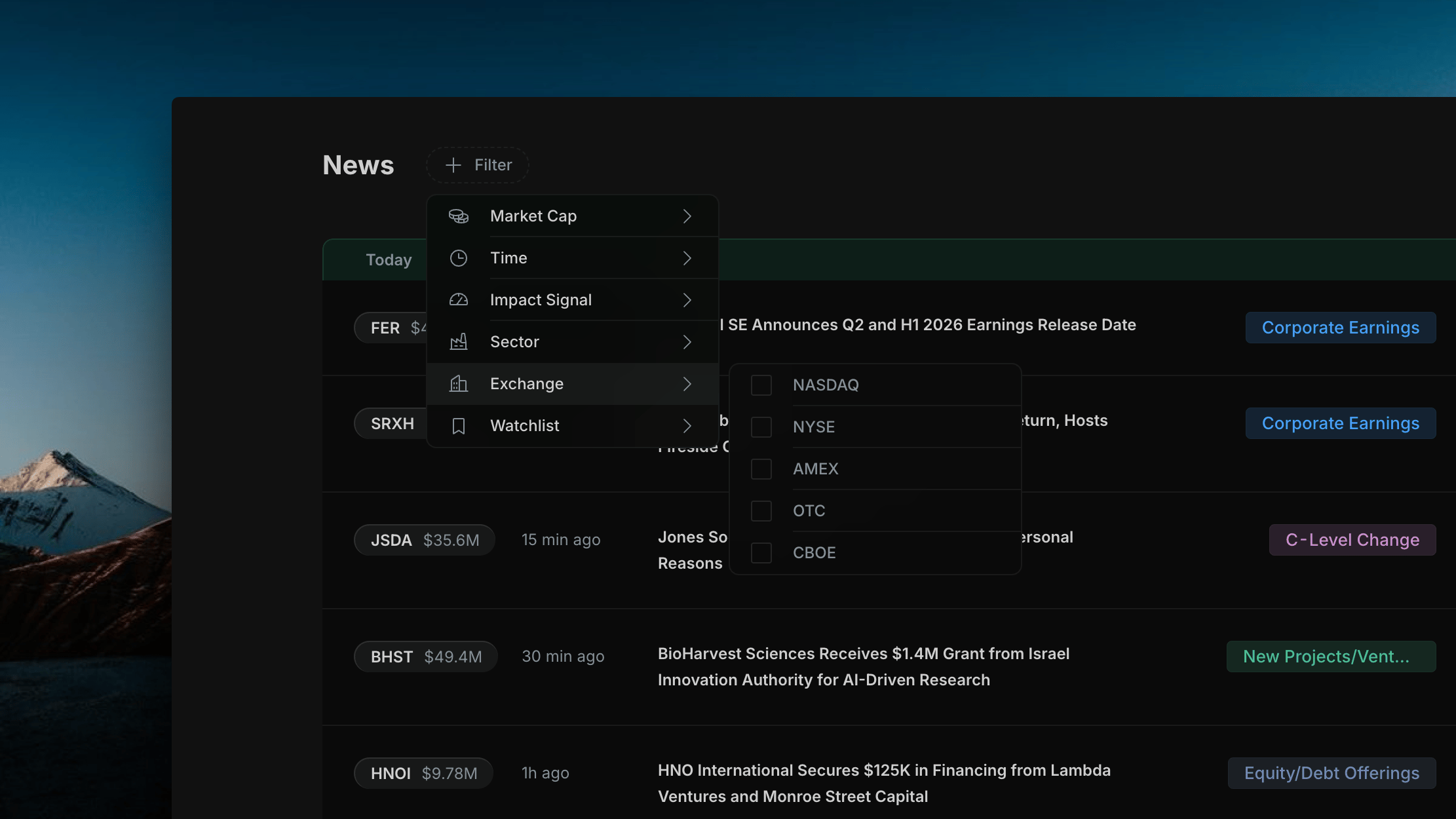
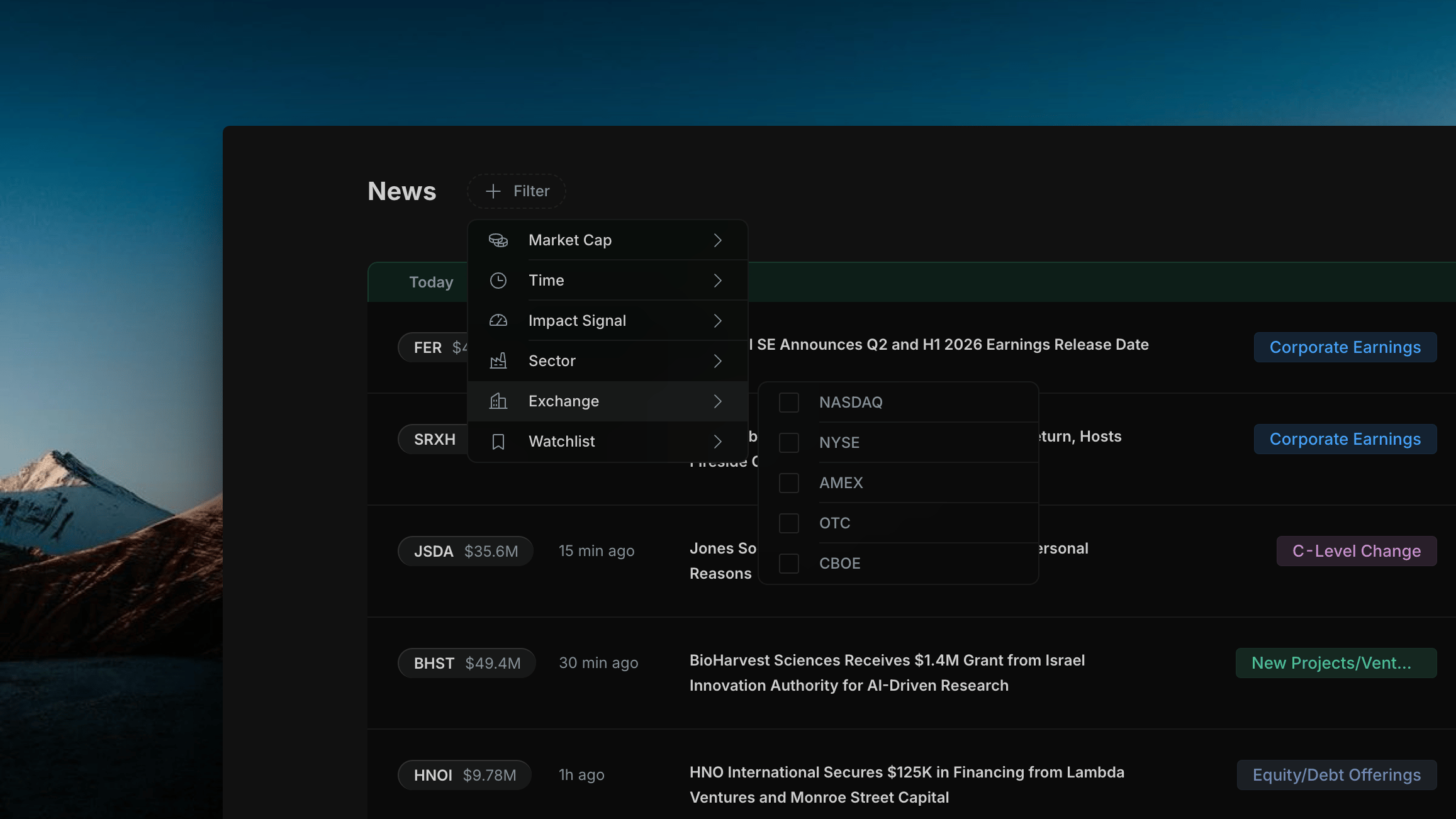
Filter news to companies listed on a specific exchange.
Insighthread Exchange sub-menu

Insighthread's Exchange sub-menu — NASDAQ, NYSE, AMEX, OTC, and CBOE

NASDAQ · NYSE · AMEX · OTC · CBOE
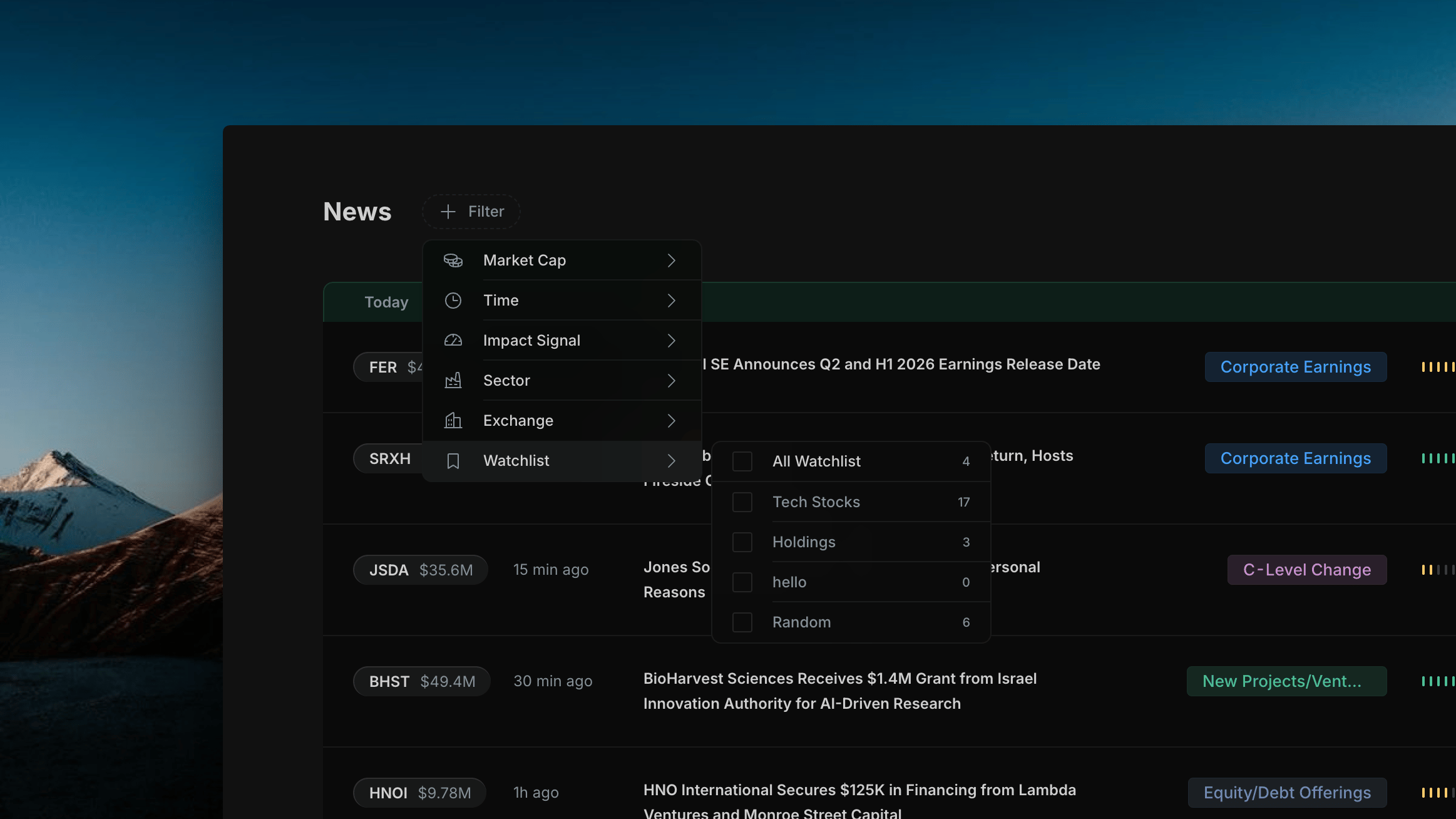
Filter news to companies in your personal watchlists. The count next to each watchlist shows how many articles currently match.
Insighthread Watchlist sub-menu

Insighthread's Watchlist sub-menu — All Watchlist plus each named watchlist with a live article count

  • All Watchlist — news from any company across all your watchlists
  • Individual watchlists (e.g. Tech Stocks, Holdings) — scoped to that list only
The count updates in real time as new articles arrive — a watchlist showing 0 means no matching news in the current time window.

Combining Filters

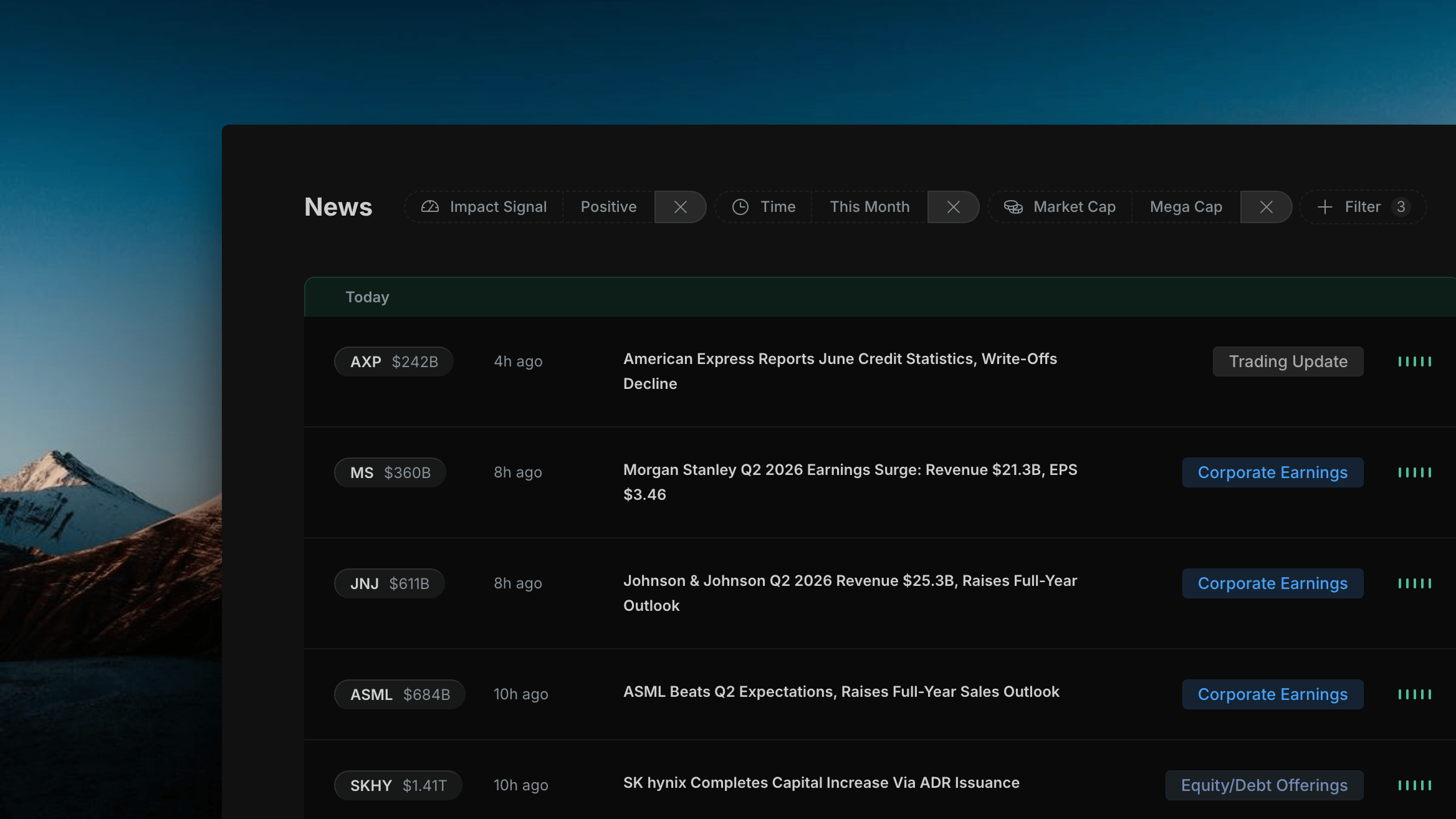
All active filters apply together as AND conditions — the feed shows only articles that match every selected filter. The badge on the + Filter button shows the total number of active filter selections.
Insighthread multiple filters active

Multiple Insighthread filters active simultaneously — badge shows active filter count and the news feed narrows to matching articles only

Filters work in combination with the category filter on the right panel. Selecting a category while filters are active narrows the feed to articles matching both the category and all active filters.