
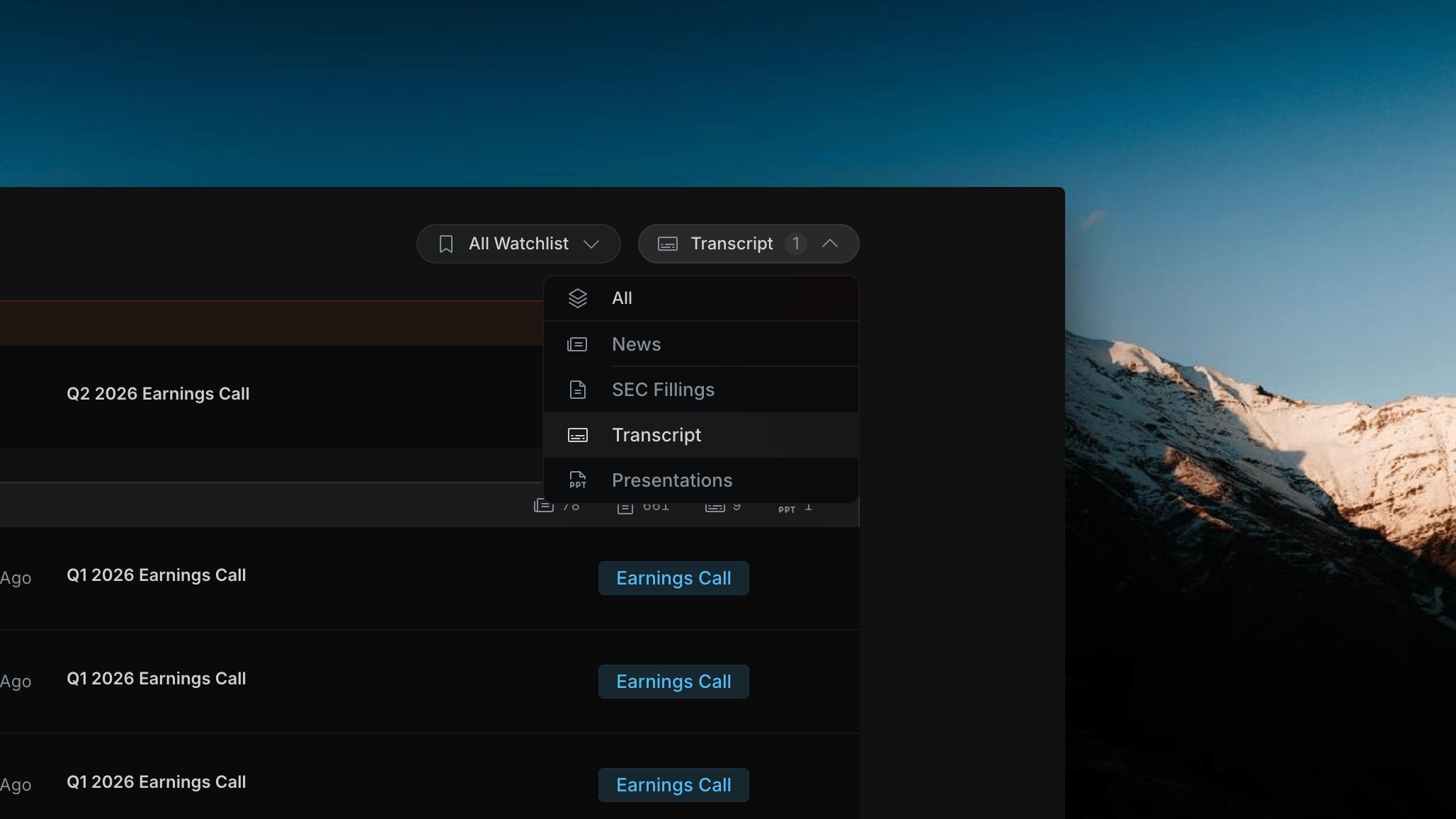
Insighthread's Transcript filter selected — right feed shows only earnings call rows with Earnings Call badge; left panel and sector list remain unchanged
What Changes When Transcript Is Selected
Right feed
Shows only earnings call transcript rows. Each row displays the ticker, market cap, date, and call title (e.g. “Q2 2026 Earnings Call”) with an Earnings Call badge.
Left panel
No change. The sector performance list and index chart remain — market context stays in view while you browse transcripts.
Opening a Transcript
Click any row in the right feed to open the full transcript in a detail panel. The viewer shows:- Header — company name, quarter, and filing date
- Speaker sections — each speaker (Operator, CEO, CFO, analysts) has their own labeled block with their full remarks
- Full text — the complete earnings call transcript as filed
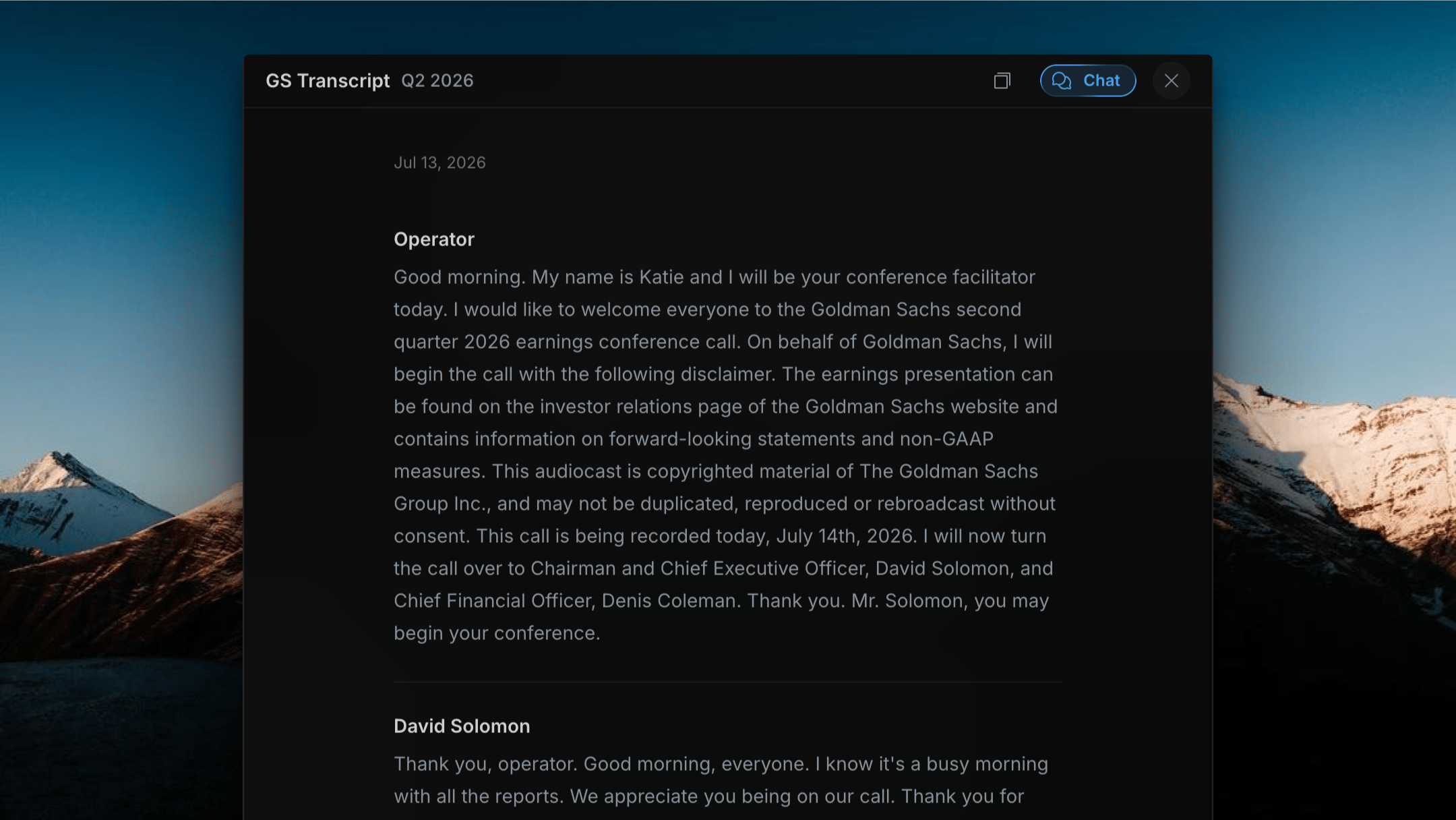
Insighthread's Transcript viewer — company name and quarter header with speaker sections; Chat button in the top-right corner opens an AI session scoped to this transcript