
Selecting SEC Fillings
Click the type filter button (top-right) and select SEC Fillings. Two things happen:- Right feed — shows only raw SEC filing rows. Each row shows the form name and items (e.g.
Form 424B2 - Prospectus [Rule 424(b)(2)],Form 8-K - Current report). No news rows, no impact bars.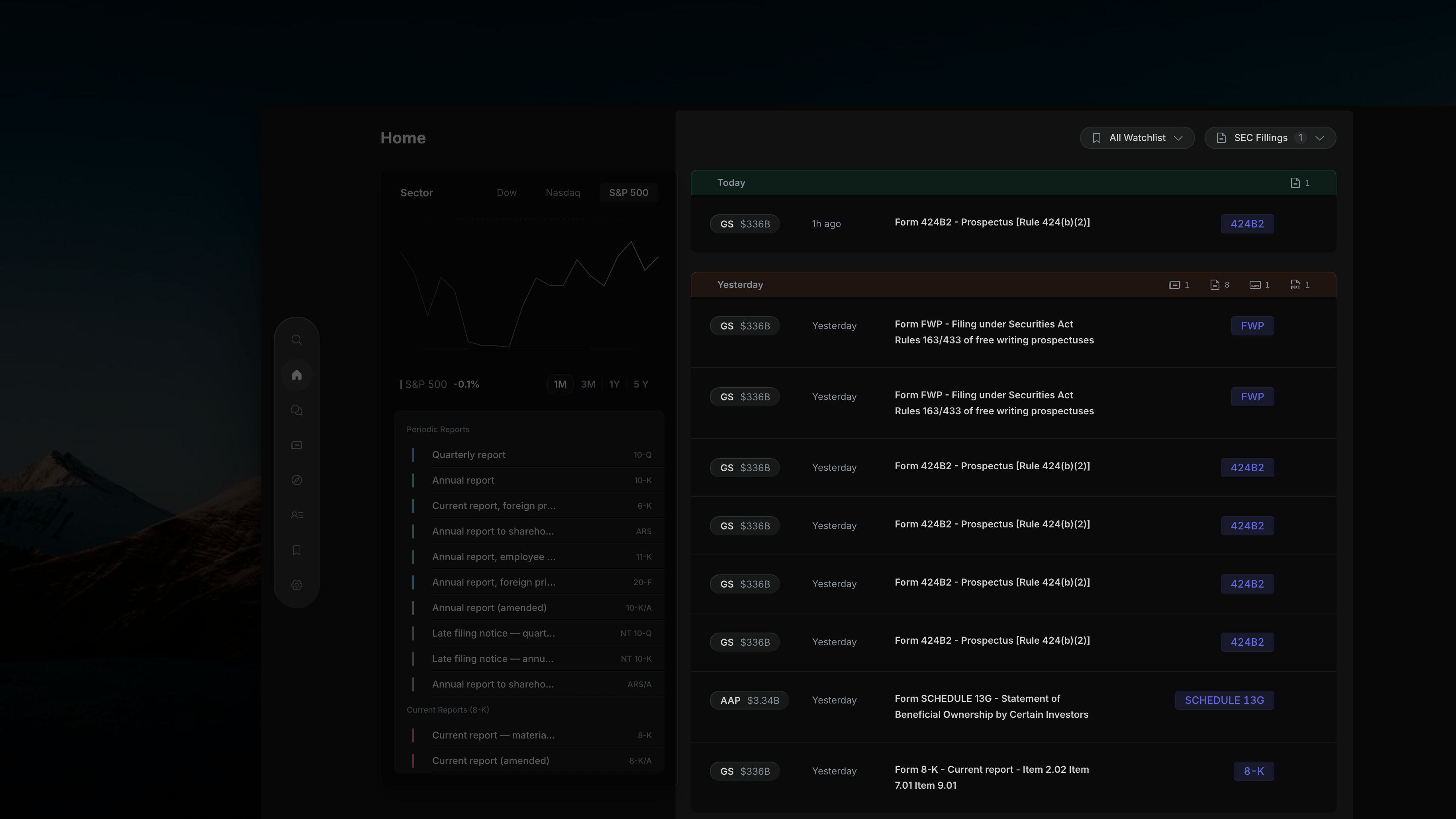
Insighthread's right feed with SEC Fillings selected — rows show form name, ticker, and filing period; no news rows or impact bars
- Left panel — the sector list is replaced by a grouped filing type list with every form code Insighthread covers.
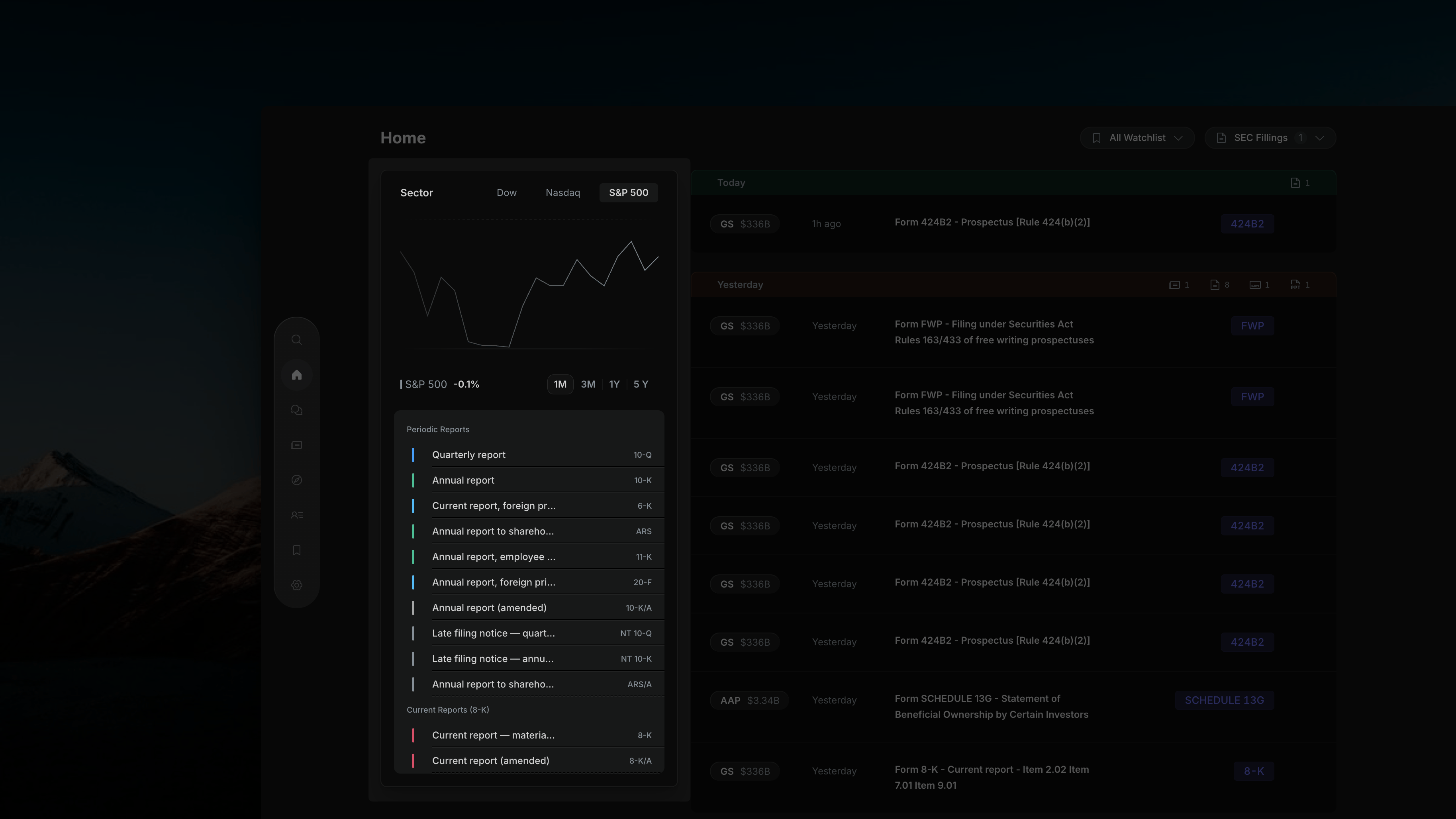
Insighthread's left panel with SEC Fillings active — sector list replaced by grouped filing types list
Left Panel — Filing Type List
Filing types are grouped by category. Each row shows the filing name and its form code on the right (e.g.10-Q, 8-K, ARS). The same include/exclude filtering applies as the News Filter — first click includes, second click excludes, third click resets.
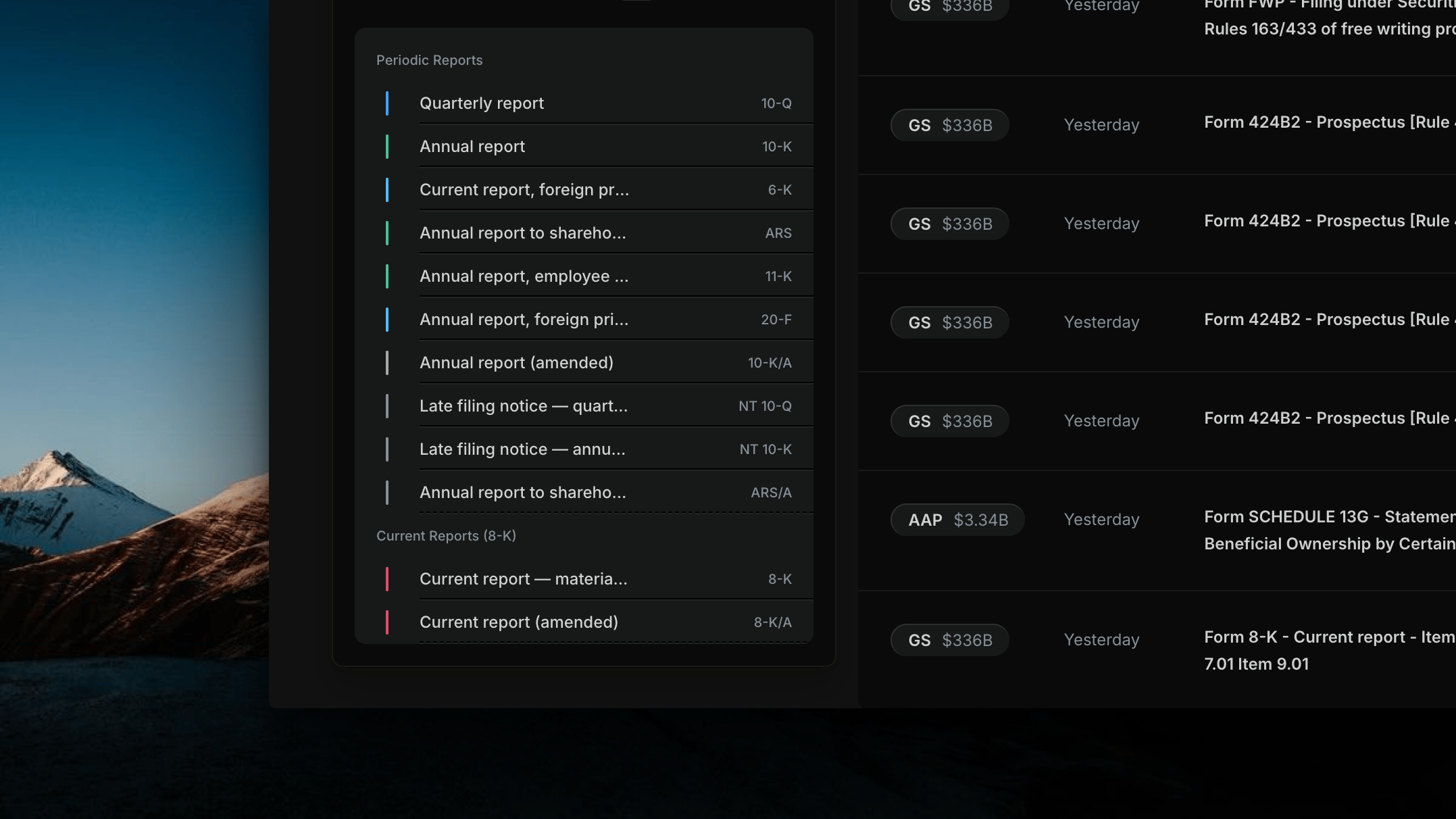
Insighthread's filing type list — each row shows the filing name with its form code on the right; click to include, exclude, or reset
Periodic Reports
Periodic Reports
Current Reports (8-K)
Current Reports (8-K)
Insider Ownership
Insider Ownership
Beneficial Ownership (13D/13G)
Beneficial Ownership (13D/13G)
Tender Offers & M&A
Tender Offers & M&A
Proxy & Information Statements
Proxy & Information Statements
Registration Statements
Registration Statements
Prospectuses & Offering Documents
Prospectuses & Offering Documents
Institutional Holdings (13F)
Institutional Holdings (13F)
Rule 144 (Restricted Stock Sales)
Rule 144 (Restricted Stock Sales)
Private Placements (Form D)
Private Placements (Form D)
Employee Benefit Plans
Employee Benefit Plans
Fund & Investment Company Filings
Fund & Investment Company Filings
Asset-Backed Securities
Asset-Backed Securities
Regulation A Offerings
Regulation A Offerings
Crowdfunding (Regulation CF)
Crowdfunding (Regulation CF)
Exchange Registration & Deregistration
Exchange Registration & Deregistration
Disclosure & Compliance
Disclosure & Compliance
SEC Correspondence & Administrative
SEC Correspondence & Administrative
Regulated Entity Filings
Regulated Entity Filings
Trust Indenture
Trust Indenture
Foreign Issuer Exemptions
Foreign Issuer Exemptions
Legacy Filing Types
Legacy Filing Types
How Filing Type Filtering Works
Same three-state toggle as the News Filter:Opening a Filing
Click any row in the SEC Filings feed to open the Document Viewer.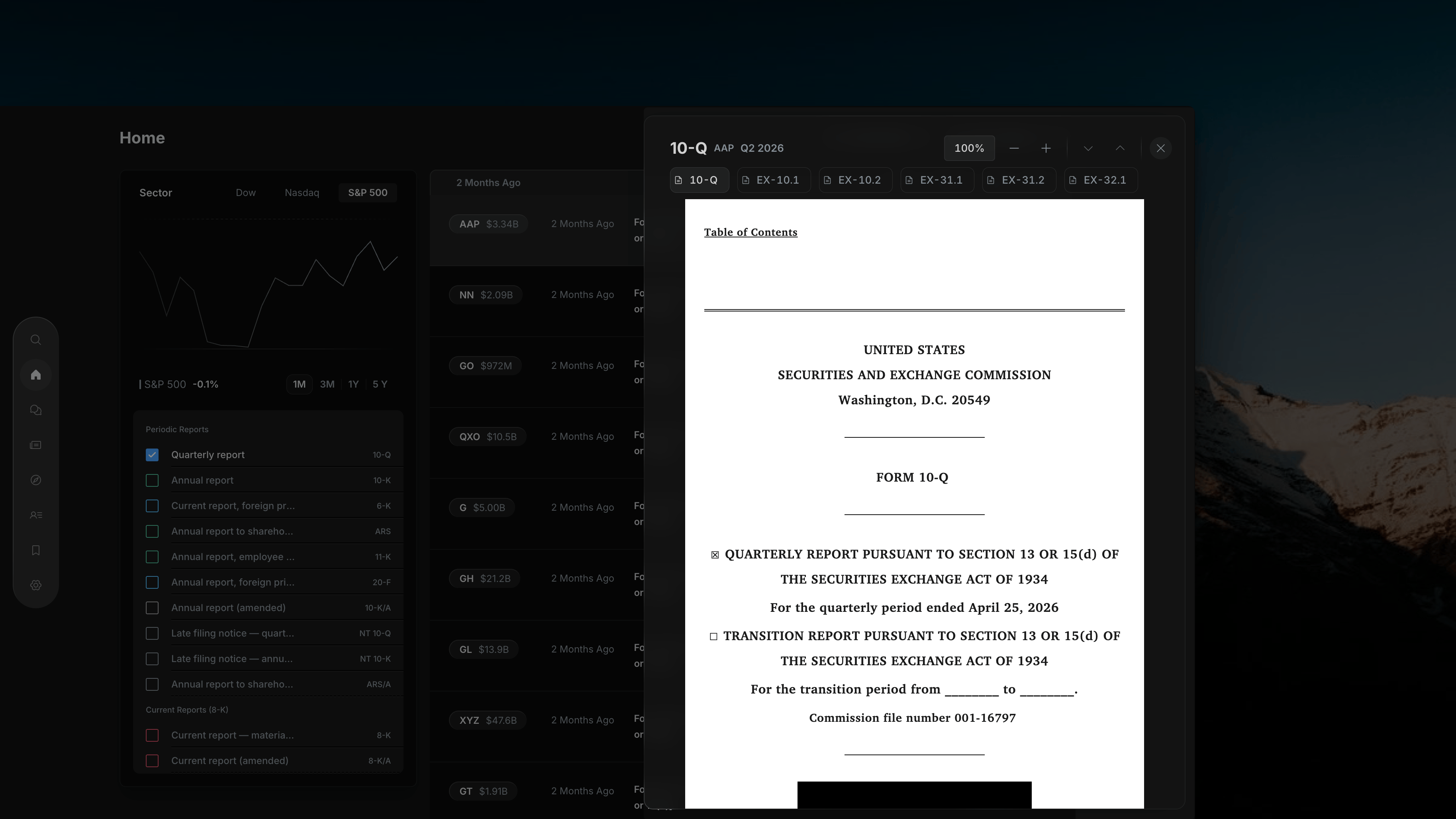
Insighthread's Document Viewer — form type, ticker, and filing period header with zoom controls and page navigation
- Header — form type, ticker, and filing period (e.g.
SCHEDULE 13G · AAP · Q3 2026) - Zoom controls — 100% default with
−and+to zoom in/out - Page navigation — up/down arrows to move between pages
- Document tab — confirms the form type being viewed
- Full document — the actual filed text exactly as submitted to the SEC, including all exhibits
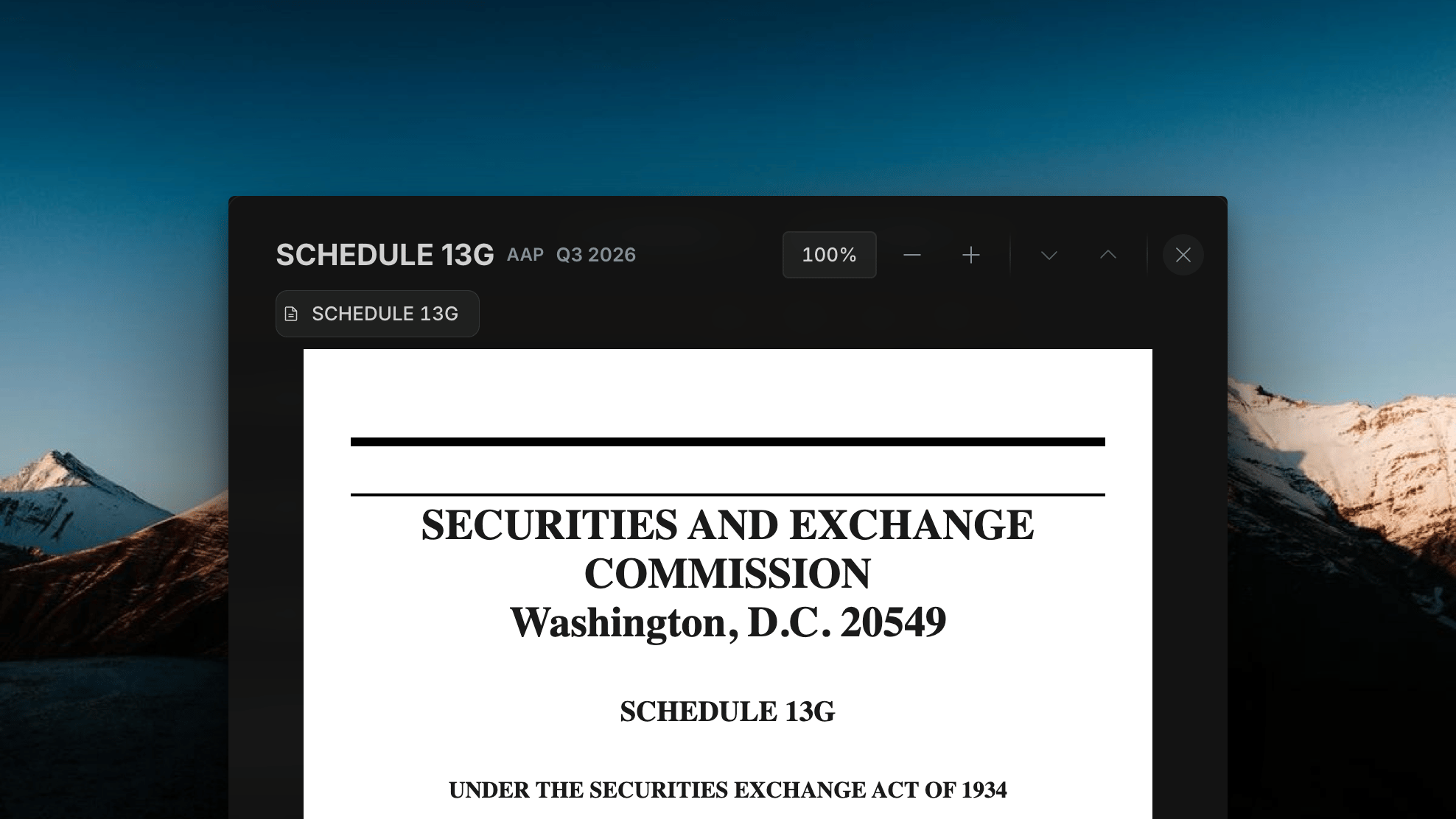
Full filed document as submitted to the SEC, rendered in Insighthread — complete text with all exhibits