
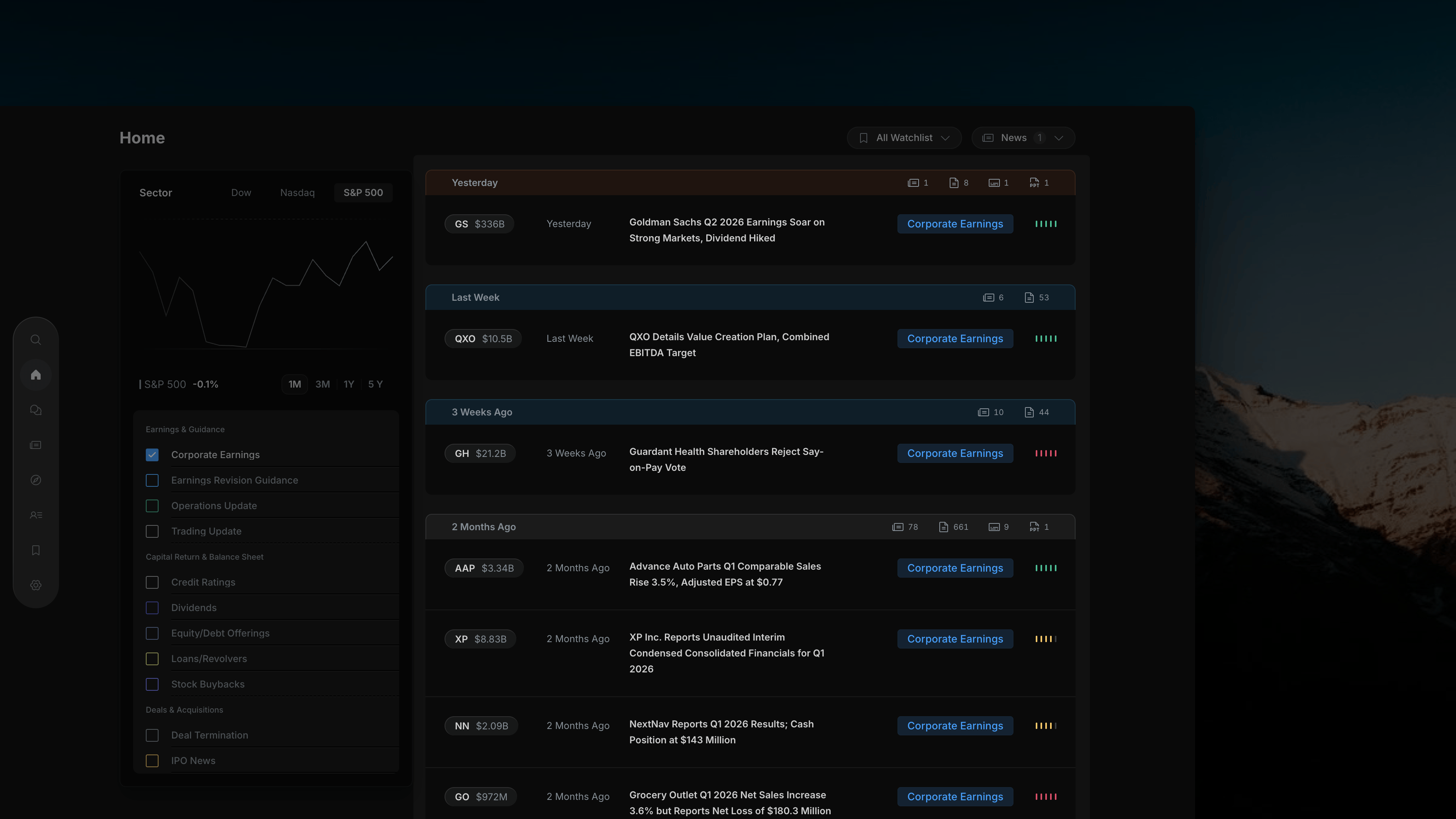
Insighthread's Watchlist Filter dropdown — select a watchlist to scope the feed to only those stocks
Opening the Filter
Click the All Watchlist button to open the dropdown. The chevron flips upward to indicate it’s open. The dropdown appears as an overlay on top of the feed.The Dropdown
The dropdown lists every watchlist you have saved, each with:- A checkbox on the left to select or deselect it
- The watchlist name
- A count on the right showing how many stocks are in that list
All Watchlist is checked by default — this shows combined activity from every watchlist you own.
Selecting a Watchlist
Click any watchlist name to check it and narrow the feed to only the stocks in that list. The feed on the right updates instantly.A watchlist with a count of 0 means it has no stocks added yet. Selecting it will show an empty feed.