
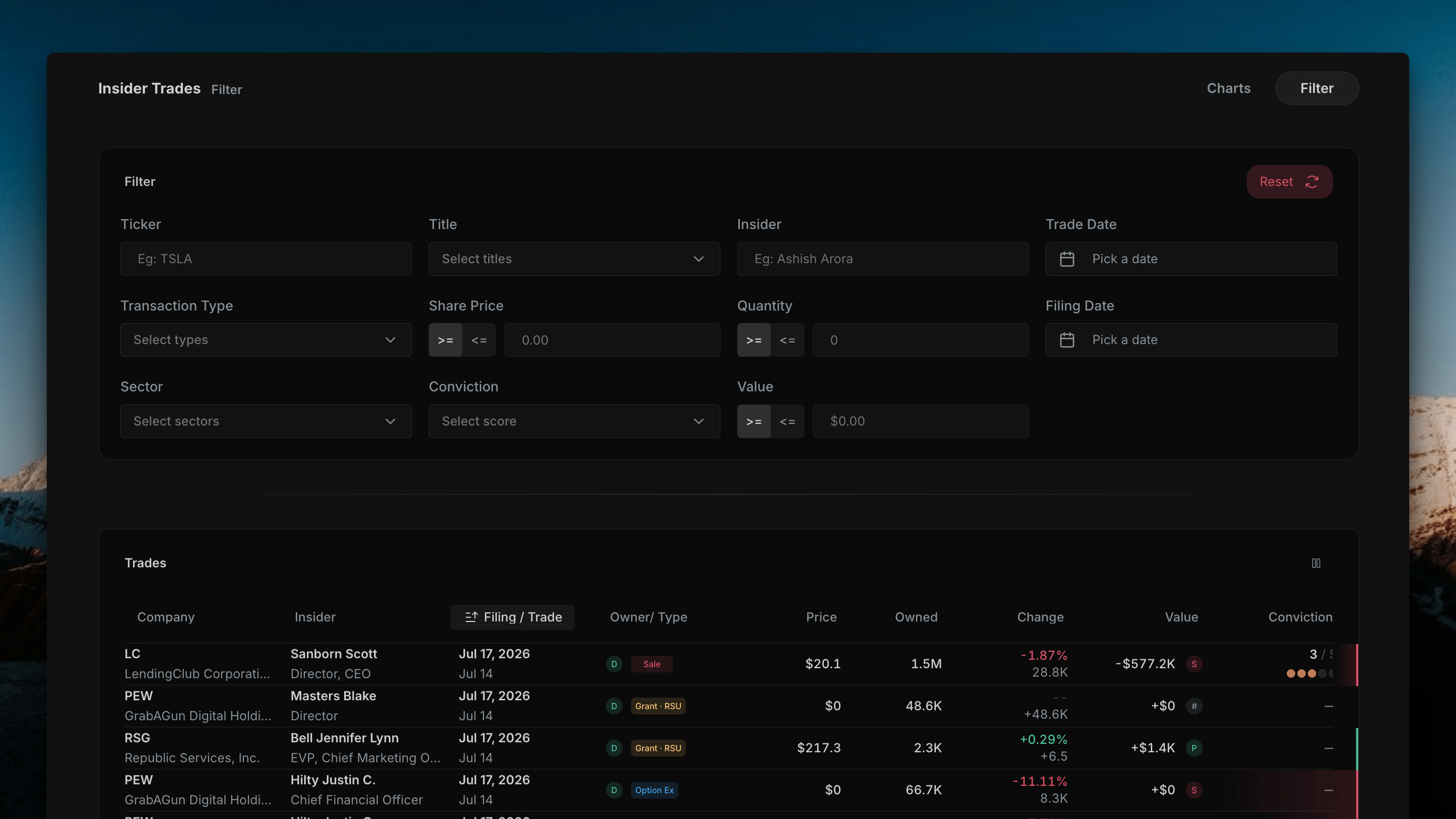
Filter Panel
The filter panel sits above the table and narrows the transaction list down to exactly what you’re looking for. A Reset button in the top-right clears every filter back to default.
Each
>= / <= field lets you set either a floor or a ceiling on that value — e.g. only trades with a Share Price >= $50, or only trades with a Value <= $100K.
Trades Table
Below the filter panel, every transaction matching the current filters is listed in a single table:
A column-visibility icon in the top-right of the table lets you hide any columns you don’t need — the same control used on the Chart View’s Cluster Table.
Non-discretionary transactions — grants, RSUs, and option exercises — typically show a Conviction Score of — since they don’t reflect an active buy or sell decision by the insider.